

Button controls
Turn on
Hold the button for 3 seconds.
Turn off
タップしてから3秒ホールド。2回目を押したままにするダブルタップです。
ボタンを15秒長押しします。まずステータス表示が現れ、切れる直前に球が赤く変わります。
Check the battery
電源が入った状態でボタンを長押しすると、球が下からゲージのように満ちていきます。満ちた量がバッテリー残量です。ラインが回転する波なら充電中です。同じセッションのすべてのQubiが同時にステータスを表示します。
Qubiにはそれぞれ固有の色があります。充電インジケーターはその色で表示されるので、どのQubiか見分けやすくなります。Qubiごとに色が違っていても問題ありません。
ただし長く押しすぎないでください。まもなく電源が切れる警告として球が赤く変わります。
Charging
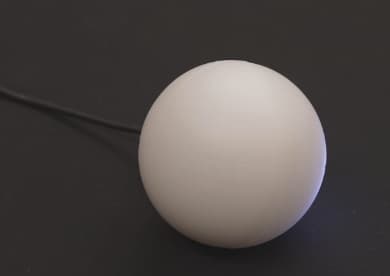
任意のUSB-Cケーブルで充電します。フル充電は約1時間で、約4時間使用できます。
Included in:Qubi Quickstart