
Check the battery
Check the level
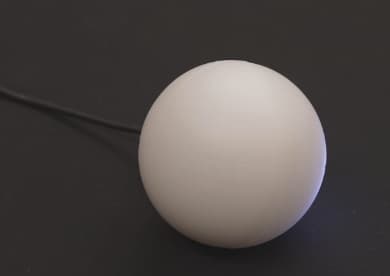
Press and hold the button while a Qubi is on, and the sphere fills up from the bottom like a gauge. The fill level is the battery charge. If the fill line is a rotating wave, the Qubi is charging. Every Qubi in the same session displays its status at the same time.
Each Qubi gets a unique color. The charging indicator uses that color to help identify the Qubi. It's ok if your Qubis are different colors.
Don't hold on too long, though. The sphere fades red to warn you it's about to power off.
Charging
Charge with any USB-C cable. A full charge takes about 1 hour and gives roughly 4 hours of use.