


Qolour
For enthusiastsFor educatorsFor organizationsAll products/accessories
ActivitiesEducator CourseReal life qubitsTechnical Whitepaper

For owners

QuickstartUser ManualDownload the app
Education Case StudyOutreach Case StudyQCaMP Quantum Fundamentals WorkshopUndergraduate Quantum EducationBERQ Undergraduate Workshop

Publications

Teaching Quantum EntanglementTeaching QKD in 5 Minutes
Quantum ComputersLearningEventsTimelinesCommunitiesQuantum Security
Our StoryOur TeamOur MissionContact
Order
Order

Shop

For enthusiastsFor educatorsFor organizationsAll products/accessories

Qubi

ActivitiesEducator CourseReal life qubitsTechnical Whitepaper

For owners

QuickstartUser ManualDownload the app

Case studies

Education Case StudyOutreach Case StudyQCaMP Quantum Fundamentals WorkshopUndergraduate Quantum EducationBERQ Undergraduate Workshop

Publications

Teaching Quantum EntanglementTeaching QKD in 5 Minutes

Resources

Quantum ComputersLearningEventsTimelinesCommunitiesQuantum Security

About

Our StoryOur TeamOur MissionContact

Qubi Quickstart

Qubi Quickstart

Welcome to Qubi. This quickstart takes you from downloading the app to measuring your first entangled pair.

P.S. Forget everything you know about quantum for now. Trust us, it works better that way.
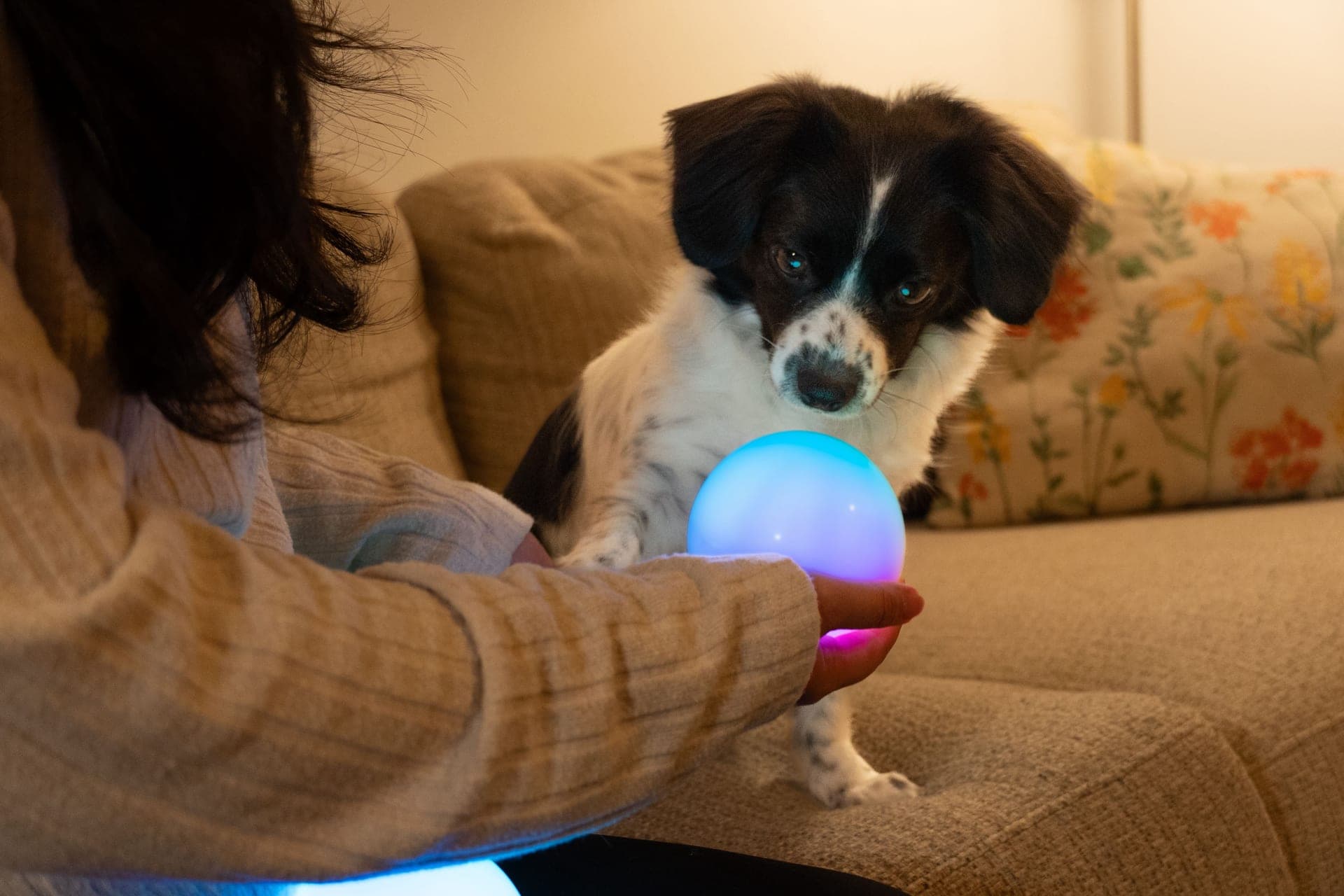
A glowing Qubi held out in someone's hand while a curious dog sniffs it
1.1

Start here

Unboxing

Part 1 · The Basics

→
Course outline

0 of 14 complete

Overview

Introduction

Part 1

The Basics

  1. Unboxing2 min
  2. Turn on and off2 min
  3. Check the battery2 min
  4. Orient and apply stickers3 min

Part 2

Get the app

  1. Download the app1 min
  2. Update the firmware2 min
  3. Adjust the brightness1 min

Part 3

Key quantum operations

  1. Learn the core quantum operations1 min
  2. Entanglements2 min
  3. Measurements2 min
  4. Understand the rainbow2 min
  5. Rotations2 min
  6. Hide and reveal the quantum state1 min

Part 4

Advanced (Optional)

  1. Rotations with flick gates2 min
  2. CNOT gate2 min
  3. Brightness with button combo1 min
  4. Screensavers3 min
  5. Real quantum randomness2 min

Part 5

Wrap up

  1. Congratulations1 min
Qolour

The world should know quantum. A hub for events, communities, and stories in quantum.

Quick links

  • Home
  • Learning
  • Events
  • Timelines
  • Communities
  • Quantum Security
  • About
  • Contribute
  • Privacy
  • Terms

Connect with us

Have ideas for Qolour or want to explore a collaboration? We'd love to hear from you.

Contact us
© 2026 Qolour